No photo available
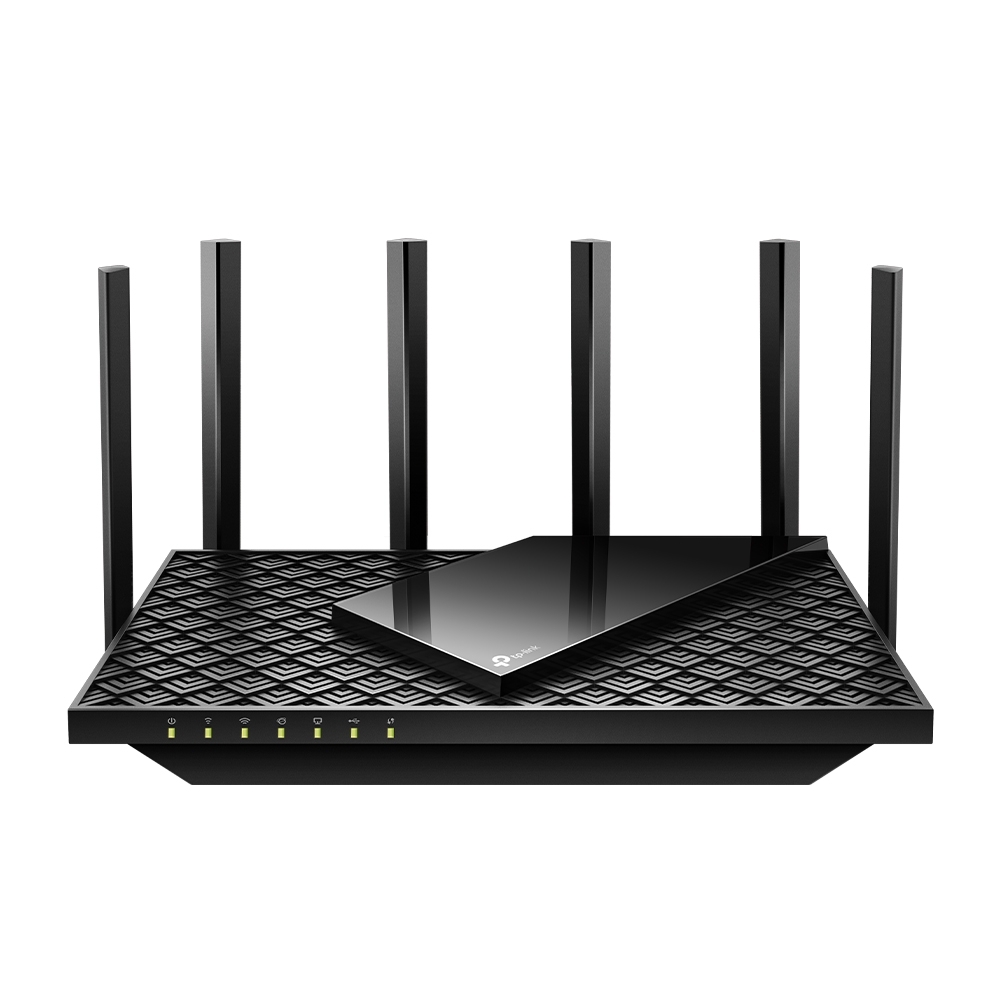
TP-Link Archer GE400
Wi-Fi
WiFi 7 (802.11be)
CPU Cores
4
LAN Ports
3
At a glance
Highlights
Wi-Fi WiFi 7 (802.11be)
Supports IPv4, IPv6, WiFi (802.11a), WiFi (802.11b), WiFi (802.11g), WiFi 4 (802.11n), WiFi 5 (802.11ac), WiFi 6 (802.11ax), WiFi 7 (802.11be)
Dual-band
2.4 GHz · 5 GHz
3 × Gigabit LAN
1 Gigabit WAN port
Mesh: Yes, Primary and Node
Compatible with mesh networking
Gaming Acceleration
Prioritized routing for gaming traffic
Our coverage
Editorial
News (1)
Every detail
Full Specifications
General
8 specs
General
8 specsManufacturer
Model
Archer GE400
Full Name
TP-Link Archer GE400
Homepage
Currently Sold
Manufacturer Support
Operating System
TP-Link Tether
Mesh Integration
Yes, Primary and Node
Hardware
3 specs
Hardware
3 specsProcessor
Quad-Core
CPU Cores
4
External Antennas
6
Connectivity
11 specs
Connectivity
11 specsNetwork Standards
Operating Modes
2.4 GHz Support
5 GHz Support
6 GHz Support
Gigabit LAN Ports
3
LAN Aggregation
WAN Aggregation
USB Ports
Cable Modem
Fibre Modem
Core Features
5 specs
Core Features
5 specsMobile App
1
WPS Button
Reset Button
Power Switch
LED Switch
Physical
5 specs
Physical
5 specs110V Power Supply
220V Power Supply
Horizontal Positioning
Vertical Positioning
Wall Mountable
Features Matrix
all software features at a glance
Features Matrix
all software features at a glanceWi-Fi
QoS & Traffic
WAN & LAN
USB & Storage
Admin & Security
About these specifications
Specifications are compiled from TP-Link's official product documentation and publicly available technical datasheets. All trademarks, product names, and imagery are the property of their respective owners; RouterArena is not affiliated with or endorsed by the manufacturer.
Spotted an inaccuracy? Let us know — we update pages as new information becomes available.
Keep exploring